Photos that cross the line.
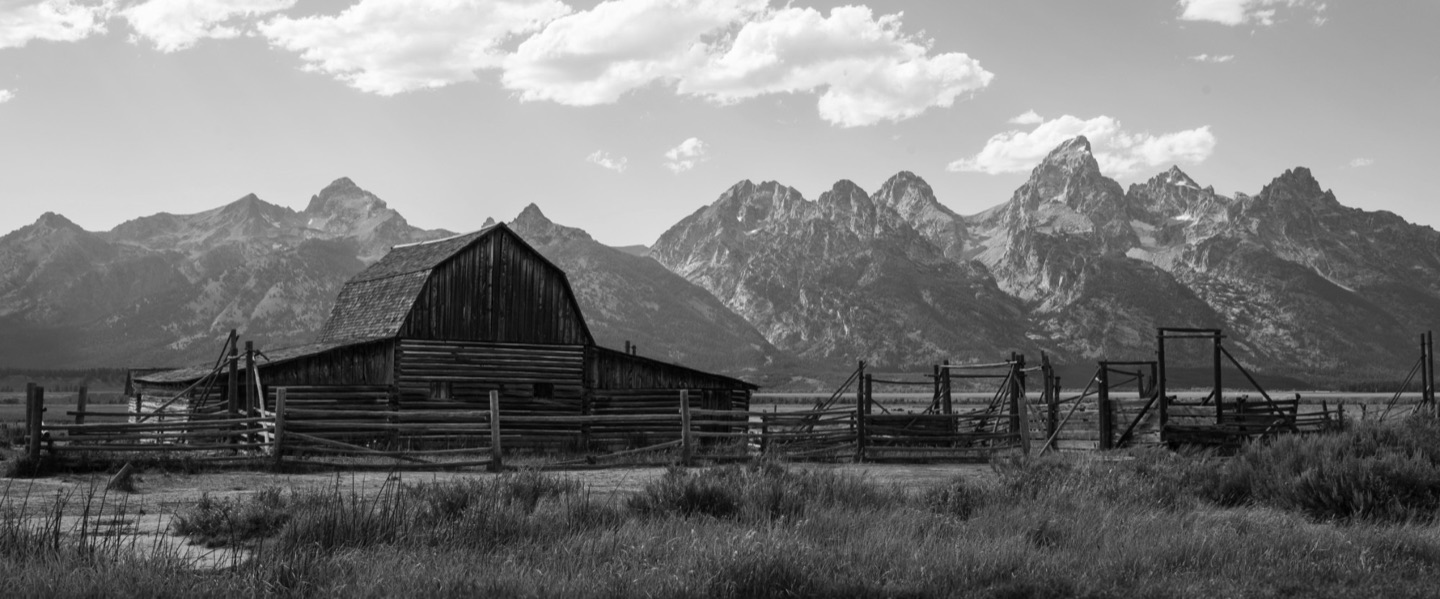
Drag a photo over a seam and it carries on in the next slide. Edges snap to seams, centers and each other, and Span all turns any photo into a panorama.
Turn your photos into one continuous Instagram carousel, where every swipe reveals more of the picture. A free carousel creator and panorama splitter for posts that look designed, made in minutes.
Free to start. Have a panorama? Drop it anywhere on this page, no account needed.Drag a photo over a seam and it carries on in the next slide. Edges snap to seams, centers and each other, and Span all turns any photo into a panorama.
Pick a handful of photos and get designed layouts in one tap, with panoramas running across the seams. Not quite it? Try another.
220+ Google Fonts, or upload your own. Add outline, highlight and shadow, and run a headline right across your slides.
Preview your carousel exactly the way your followers will, then export every slide ready to upload.
Portrait 4:5, the new 3:4, square, Stories 9:16 and more. Switch any time without starting over.
Every slide is rendered from your original photos and exported at the sizes Instagram displays, so fine detail stays fine.
The free Instagram panorama splitter: drop a wide photo anywhere on this page and get swipe-ready slides in seconds. No account needed.
Travel panoramas, photo dumps, launches, recaps. If it’s worth posting, it’s worth a better swipe.
Start a project, pick a slide shape and how many slides, then drop your photos in. Drag a photo across a seam and it carries on into the next slide; Seamless cuts every slide to the pixel, so nothing is lost or doubled. Preview the swipe, export, and post the slides in order.
Portrait 4:5 (1080 × 1350 px) is the classic feed size, and Instagram now also takes the taller 3:4 (1080 × 1440 px). Square 1:1 (1080 × 1080 px) works everywhere. Seamless has all three, plus Stories 9:16 and more, and you can switch shape without starting over.
Yes. The free plan has every layout, text and editing tool, up to 10 slides and 1080 px exports, with one project saved at a time. Pro adds as many projects as you like, 20 slides and Instagram’s sharpest exports.
Yes. Choose Split panorama or drop a wide photo anywhere on this page, pick a shape and how many slides, and download them. It all happens in your browser and nothing is uploaded. Sign up only if you want to keep editing.
Every slide is rendered from your original photo, never a screenshot. Free exports are 1080 px JPEGs, the size Instagram shows; Pro adds Instagram’s 1440 px maximum, larger sizes, lossless PNG and Display P3 colour.
Yes. Seamless runs in the browser on a phone, tablet or computer, with nothing to install. On a phone, share the finished slides straight to Instagram or save them to your photos.
Free to start. Upgrade only when you want more.